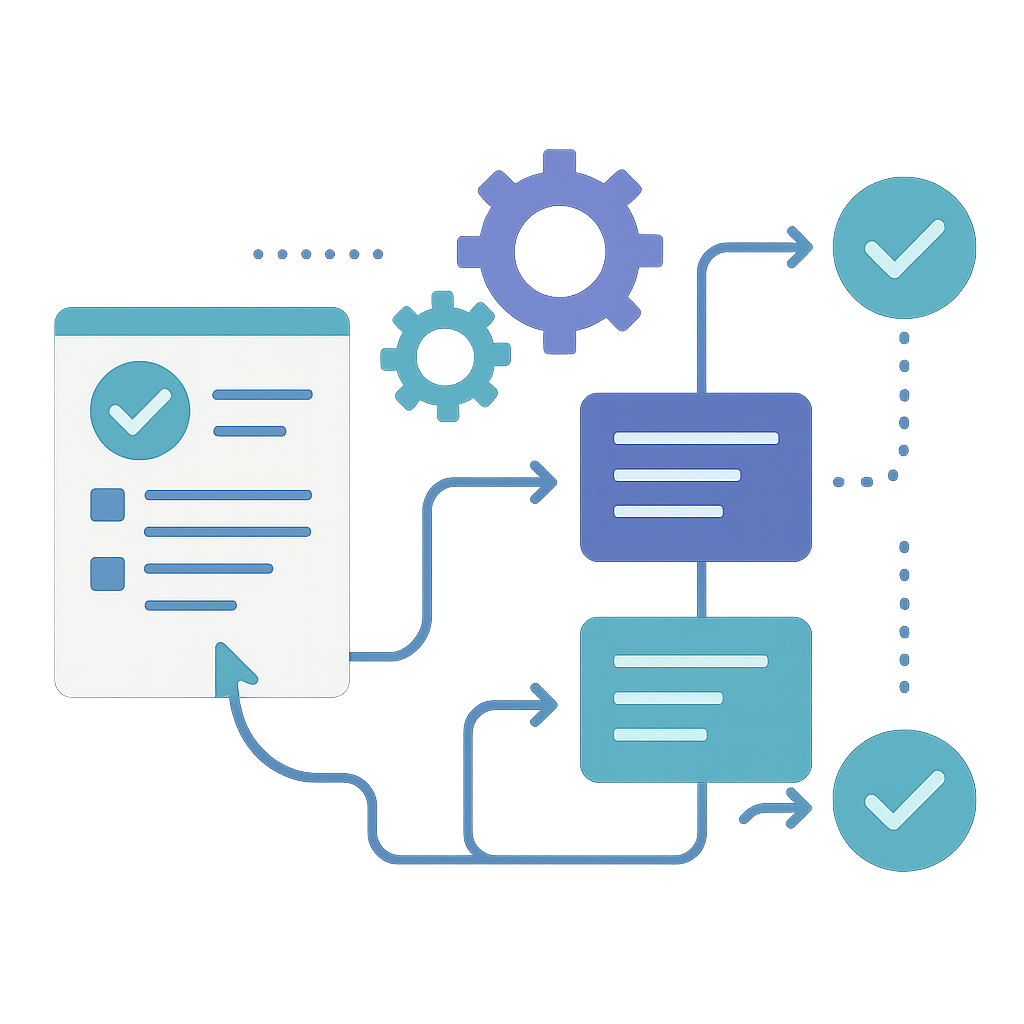
Form Automation with JotForm
Client: Local Non-Profit
Set up automated form submissions using JotForm, connecting contact forms to email, databases, and other systems to streamline operations.
The Challenge
A local non-profit was receiving contact form submissions, volunteer applications, and event registrations through their website, but everything was manual:
- Forms came in via email
- Someone had to copy information into spreadsheets
- Follow-up emails were sent manually
- Information had to be entered into multiple systems
This worked, but it was time-consuming and error-prone. As they grew, the manual process was becoming a bottleneck. They needed automation, but they didn't want something complicated or expensive.
What We Did
We set up JotForm—a powerful but user-friendly form builder—and connected it to their existing systems through automation. Here's how it works:
JotForm Setup
JotForm is perfect for organizations that need:
- Easy form creation: Build forms using a simple drag-and-drop interface
- Professional appearance: Forms that match your website's design
- Mobile-friendly: Forms work perfectly on phones and tablets
- Spam protection: Built-in tools to prevent spam submissions
- Affordable pricing: Cost-effective for smaller organizations
The Automation
We connected their forms to:
-
Email Notifications:
- Automatic emails to the right people when forms are submitted
- Different notifications for different types of submissions
- Formatted emails with all the important information
-
Database/Spreadsheet Integration:
- Submissions automatically saved to Google Sheets or other databases
- No manual data entry needed
- Easy to search and organize information
-
CRM Integration:
- New contacts automatically added to their customer relationship management system
- Follow-up tasks created automatically
- Information flows seamlessly between systems
-
Conditional Logic:
- Forms that adapt based on answers
- Different paths for different types of submissions
- Smarter forms that collect the right information
Example Workflow
Here's how a volunteer application form works now:
- Person fills out form on the website
- Automatic email sent to volunteer coordinator with all details
- Information saved to volunteer database automatically
- Welcome email sent to applicant automatically
- Follow-up task created in their task management system
All of this happens automatically—no manual steps required.
Why Form Automation Matters
For organizations handling multiple forms and submissions, automation means:
- Time Savings: Staff can focus on important work instead of data entry
- Fewer Errors: No typos from manual copying
- Faster Response: Automatic notifications mean faster follow-up
- Better Organization: Information goes where it needs to be automatically
- Scalability: Handle more submissions without adding staff
The Results
The organization now has:
- Multiple automated forms (contact, volunteer applications, event registration)
- Automatic data collection and organization
- Faster response times to inquiries
- Less time spent on administrative tasks
- Better tracking and follow-up
The best part? They can create new forms themselves using JotForm's simple interface, and we set up the automation so everything connects properly. They have the control they need with the automation that saves time.